


The timestamp camera with a D+N day count.
dayLime is a camera for iOS and Android that prints capture dates, times and D+N counts directly onto the pictures you take.
First 2 slots free forever · iOS & Android
How do I getstarted with dayLime?
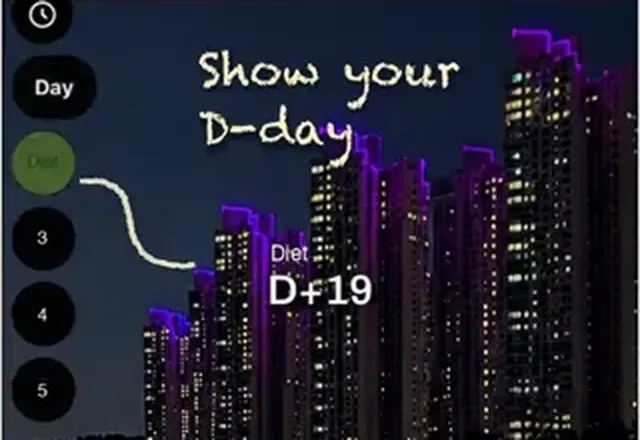 Set your start day
A diet, a baby, a relationship, anything you count. Count from D-day, from D+1, or down to a goal.
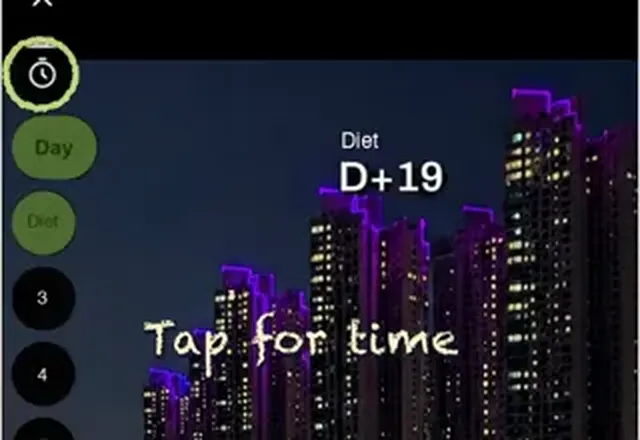 Turn on date, time and D+N
Tap once in the camera. Hide what you don't need.
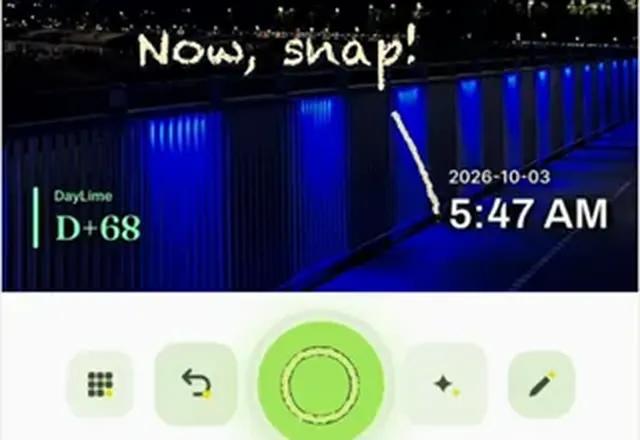 Shoot
ShootThe stamp goes on at the moment of the shot, never afterwards.
Already using a timestamp camera?Keep the habit. Add the count.
See the day counter switching guide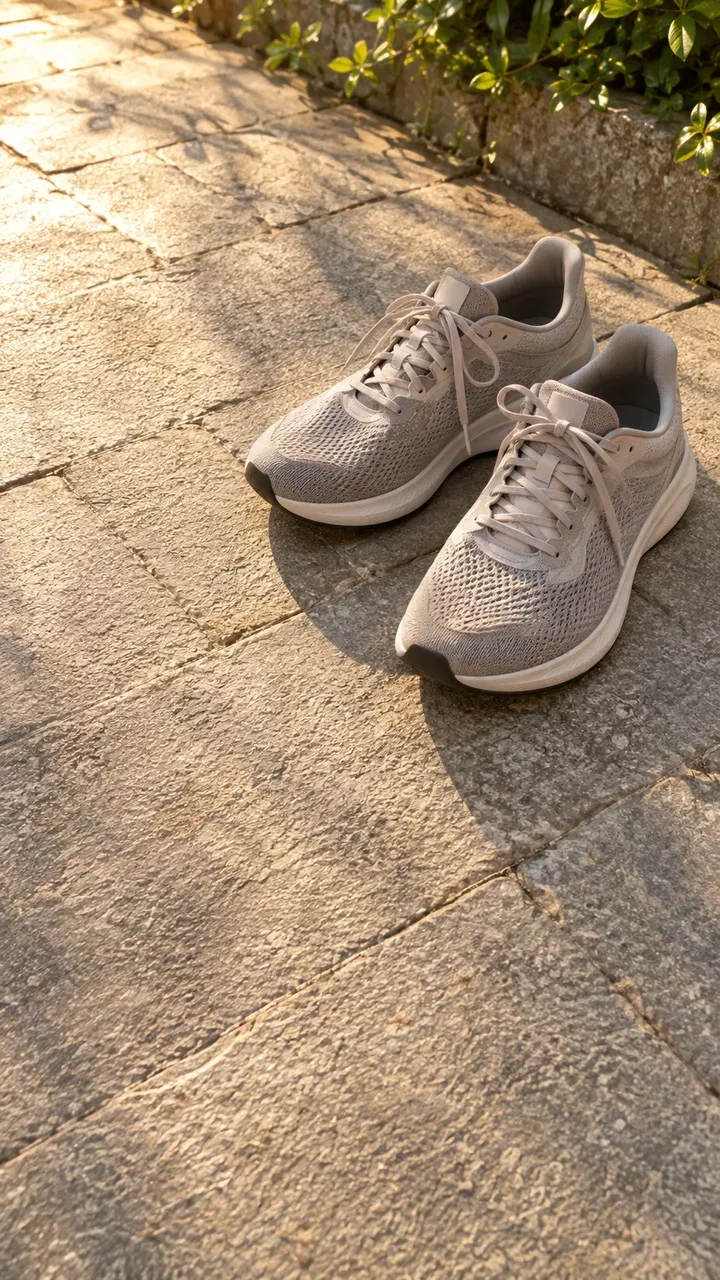
 Last photo
How do I keepone angle every day?
Turn on ghost mode and your last photo shows faintly over the camera, so today's shot lines up with it. The overlay is never saved into the picture.
Ghost mode for progress photosWhat can you usedayLime for?
Whatever you're proving or counting, the photo carries the date and the day number.

Timestamp & proof photosHow to add the date to a photo as you shoot.

Couples & anniversariesEvery date, numbered
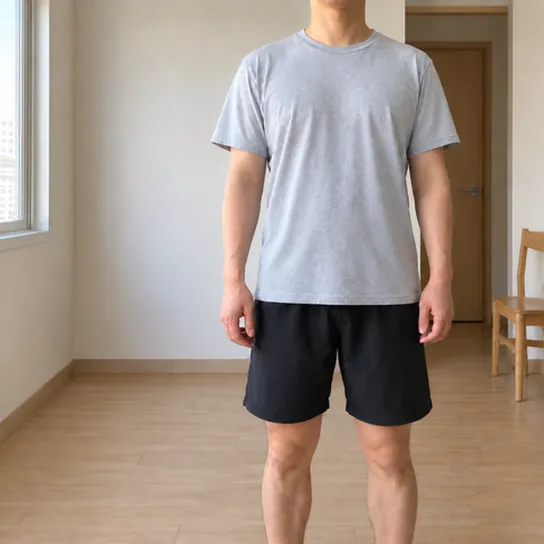
Fitness progressSame angle, every day

Baby and pregnancy photosFrom day 1 to day 100
Can I changehow the stamp looks?
Pick a label shape, color and font, then a photo ratio. The stamp follows.
Can I sharemy record as one link?
One photo says you went.
67 days say you kept going.
Share your record as one link, and decide how much people see.
Frequently askedquestions.
What is dayLime?
dayLime is a camera app for iPhone and Android. When you press the shutter it stamps the date, the time and a day count such as D+12 onto the photo, so every picture records which day of your project it was taken.
Is dayLime free?
Yes. It is free to download and use, and a banner ad shows on the camera screen. Slots beyond the free ones are a one-time in-app purchase, not a subscription.
What does D+N mean?
D+N is the number of days since your start day, and D-N is the number of days left until a date ahead of you. dayLime works the number out and stamps it on the photo the moment you press the shutter.
Can I add a date to a photo I already took?
No. dayLime adds the date only when the shutter is pressed, so each photo is a real-time record and nothing is backdated. Photos already in your gallery are left as they are.
What is ghost mode?
Ghost mode lays your most recent photo from the same slot over the live camera as a see-through guide, so you can line up the same framing. It is a preview only and is not saved into your photo. The overlay starts at 40 percent opacity and has a slider.
Who can see my shared record?
Only people who have your link. The address is a random 10-character code. For each share you choose original photos, blurred photos or numbers only, and you can turn the link off at any time.
Which languages does it support?
dayLime is translated into 40 languages, including Japanese, Chinese, Korean, Spanish, Portuguese, Hindi and Indonesian.

Start counting today.