



Oct 2, 20268:05 AM
 Job sites
Shoot a check-in or a finished task and the date and time are already on it, so the photo shows the time it was taken.
dayLime is a free timestamp camera app for iOS and Android that stamps the date and time as you shoot, with no option to add dates to existing gallery photos.
First 2 slots free forever · iOS & Android
A date in a menu or a file name is easy to lose, while a date stamped on the picture travels with it. That helps with site checks, deliveries, receipts and a plant on its first day. Because dayLime stamps while you shoot, nothing is added afterwards.
Made when you shoot: a real-time record, not a later edit.
In the camera you decide what goes on the photo: date, time or both. Set a start day if you also want a D+N count. The stamp is written when you shoot, so nothing is edited in afterwards.


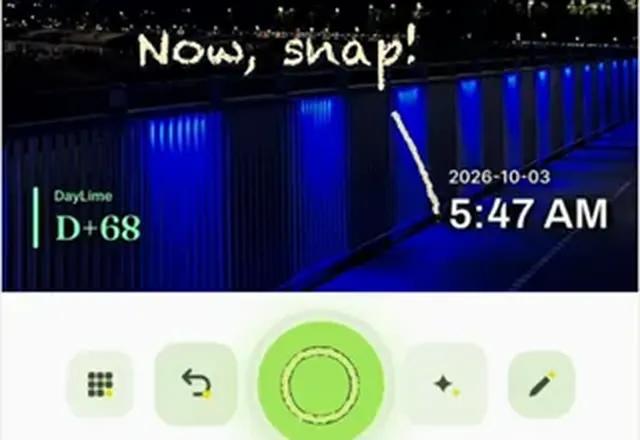
Every photo carries the date, the time and, if you set a start day, the day count. The whole record shares as one link.
Job sitesShoot a check-in or a finished task and the date and time are already on it, so the photo shows the time it was taken.
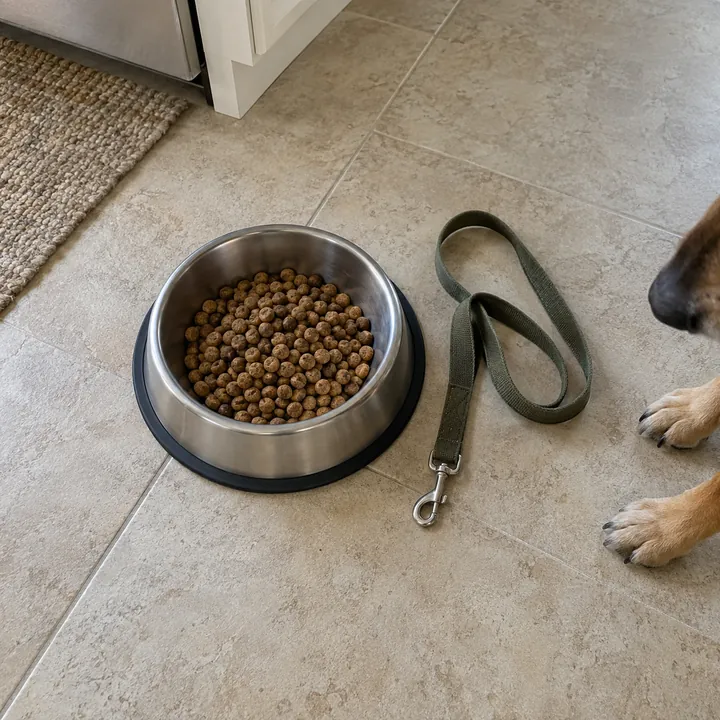
 Pet routines
Photograph a feeding, a walk or a vet visit and the time is on the shot, so a daily log shows when each one happened.
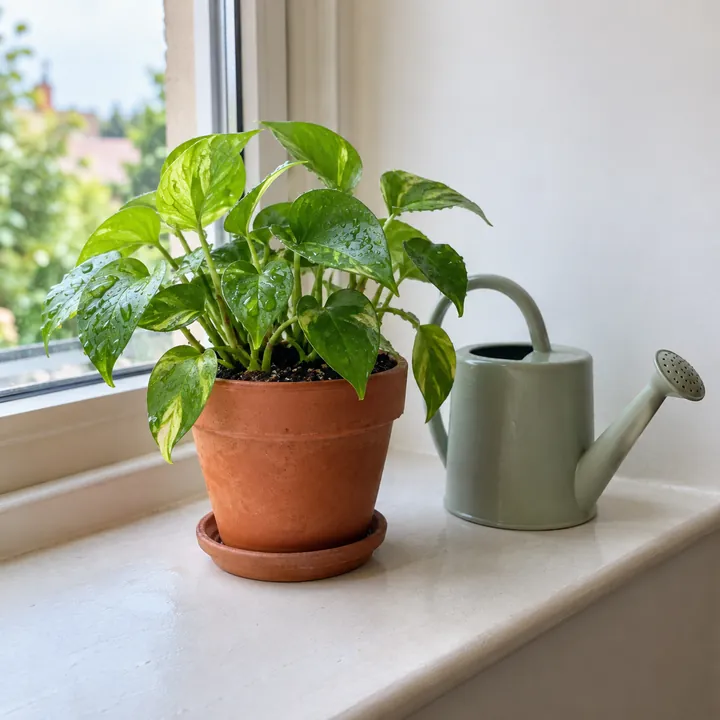
 Plant care logs
Shoot a watering or a repotting and the date goes on the photo, so you can check later when it was done.
Every stamped photo lands in a slot, so a site, a delivery or a plant keeps its own record. Sharing it as a link lets you pick how much people get to see.
No. dayLime adds the date only when the shutter is pressed, so each photo is a real-time record and nothing is backdated. Photos already in your gallery are left as they are.
Yes. The clock is its own button on the camera screen, so you can switch it off and shoot without it. In its settings you can pick a date style and a 12-hour or 24-hour time.
Yes. It is free to download and use, and a banner ad shows on the camera screen. Slots beyond the free ones are a one-time in-app purchase, not a subscription.
Two D-day slots are free forever, along with the clock stamp. dayLime has five D-day slots in all, and the other three are paid.
D+N is the number of days since your start day, and D-N is the number of days left until a date ahead of you. dayLime works the number out and stamps it on the photo the moment you press the shutter.
On iPhone, in your Photos library. On Android, in the Pictures/StackToday folder of your gallery. The saved image already has the stamp on it.
Only people who have your link. The address is a random 10-character code. For each share you choose original photos, blurred photos or numbers only, and you can turn the link off at any time.



First 2 slots free forever · iOS & Android