


Love counter for couples, day by day.
dayLime is a free love counter for iPhone and Android that stamps your day-together number on every photo you take.
First 2 slots free forever · iOS & Android
How long have we been together?
Choose your start date, turn on the count, and shoot. Each photo then carries its day number.
Why use day numbers for anniversaries?
A relationship photo counter can show how many days you have been together on each new picture. Choose the date you met, then a photo from day 100 carries that number alongside the moment you kept.
Which anniversaries get a stamp?
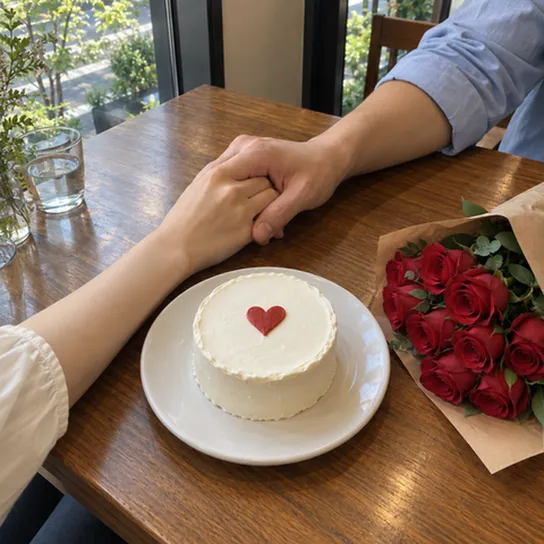
Day 1, 20, 50, 100, 200 and one year each get a photo stamped with its day number, and Christmas gets one too.






What couples ask about a love counter.
How many days have we been together?
Make the day you got together the start day of a slot and shoot. The stamp shows how many days it has been. On the web day counter the start day is D-Day by default, as in the app, and the Start at D+1 option makes it day 1.
Is the start day D-Day or D+1?
You can choose. By default the start day reads D-Day and the next day D+1. Pick Start at D+1 under Display in the D-Day settings and the start day itself reads D+1, so a 100 day challenge begins at D+1. A third way, Count down to goal, counts the days left until your goal date.
What does D+N mean?
D+N is the number of days since your start day, and D-N is the number of days left until a date ahead of you. dayLime works the number out and stamps it on the photo the moment you press the shutter.
Is there a home screen widget?
Yes. The widget shows a slot's day count and, if you set a goal, your progress toward it. On iPhone it comes in small and medium sizes, and Android has a widget too.
Can I count more than one thing at a time?
Yes. dayLime has five D-day slots, each with its own name, date and style, and you can show several of them on one photo. Two slots are free.
Is dayLime free?
Yes. It is free to download and use, and a banner ad shows on the camera screen. Slots beyond the free ones are a one-time in-app purchase, not a subscription.
Who can see my shared record?
Only people who have your link. The address is a random 10-character code. For each share you choose original photos, blurred photos or numbers only, and you can turn the link off at any time.

Begin counting as a couple.

First 2 slots free forever · iOS & Android